Picks
The Best Ping Pong Robots
The specification that decides whether you use a robot twice or every week is not speed or spin. It is whether the machine picks the balls up again.
How these picks were made: from published manufacturer specifications, governing-body standards and the room arithmetic - not from first-hand use. We have not played on these tables. Read the method.
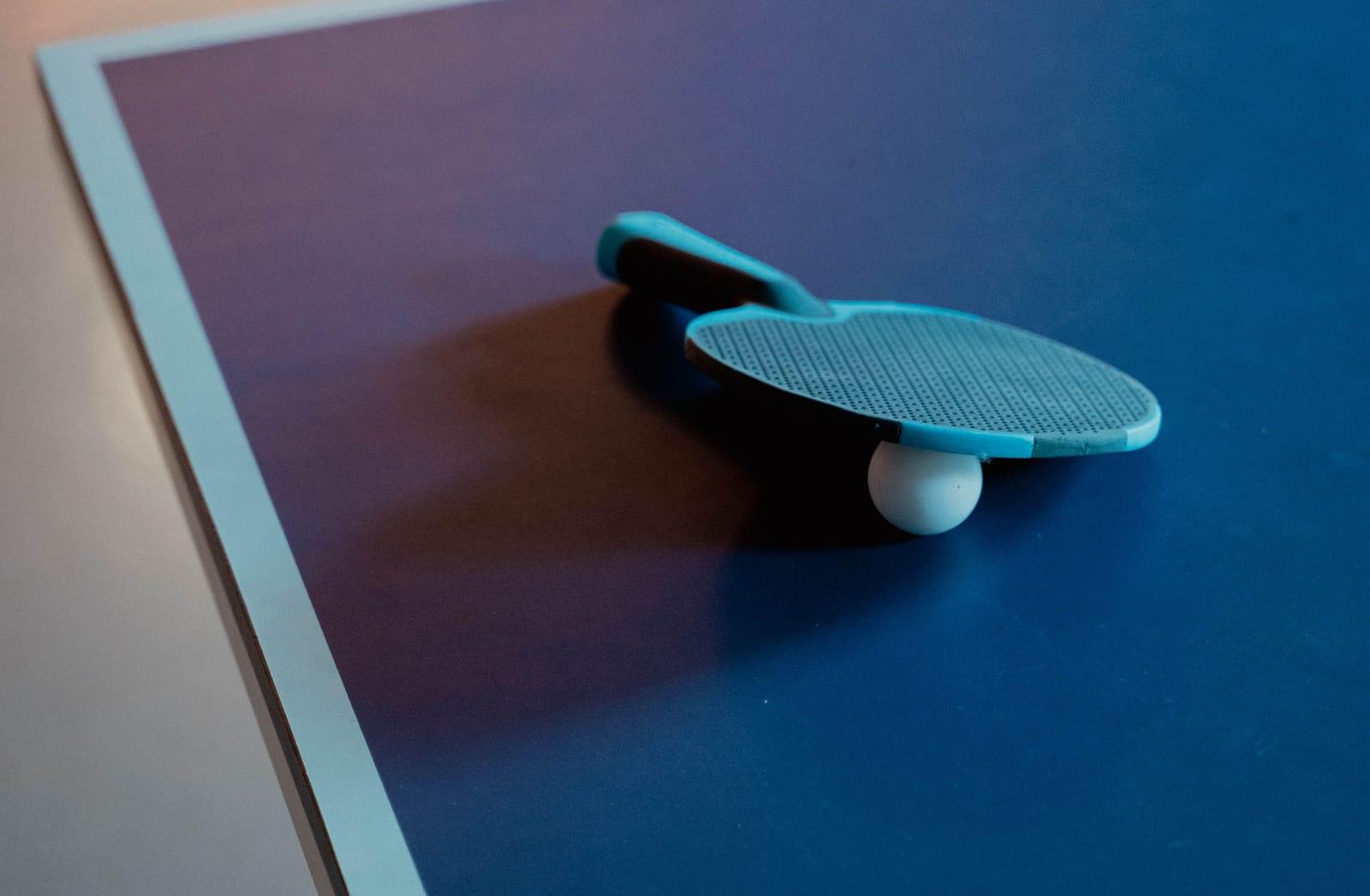
A table tennis robot is the most under-used piece of equipment in home game rooms. People buy one, use it twice, and shelve it - and the reason is almost never the machine's speed, spin or drill count. It is that after ninety seconds of practice there are a hundred balls on the basement floor and the session is now a cleaning job.
So this page is organized around one specification that most roundups bury in a feature list: whether the robot has a net that collects your returns and feeds them back in. Everything else - spin variations, programmable drills, app control - matters only on a machine you are still using in month three.
The net is the whole decision
A recycling net is a net strung across your half of the table that catches everything you hit back and funnels it into the robot's hopper. With one, a practice session is continuous: you hit for twenty minutes and stop when you want to. Without one, your session length is set by the hopper - between roughly 100 and 200 balls depending on the machine - and then you pick them all up.
Newgy states the difference about as plainly as a manufacturer can. Its own listing says the Robo-Pong 1040+ is identical in every way to the 2040+ except that it does not have the Recycling Net System. That is the gap the money buys in this category, and it is worth understanding that it is a gap in convenience rather than in capability - which is exactly why people under-weight it when shopping and over-weight it after a month.
| Machine | Ball return | Hopper | Programmable |
|---|---|---|---|
| iPONG Trainer Motion | None | Up to 100 | No - adjustable feed only |
| PONGBOT Nova S Pro | None | 150 | Yes - app, 264 drills |
| Newgy Robo-Pong 1040+ | None (upgrade kit sold separately) | About 200 | No |
| Newgy Robo-Pong 2055 | Recycling net | About 200 | Yes - 64 drills plus your own |
| Butterfly Amicus Start | Net system | 120 balls included | Yes - club grade |
| Butterfly Amicus Prime | Net system | Club capacity | Yes - club grade |
Quick picks
| # | Product | Best for | Ball return | Price |
|---|---|---|---|---|
| 1 | iPONG Trainer Motion Table Tennis Robot | Finding out whether you will use one | No net, ~100 balls | |
| 2 | 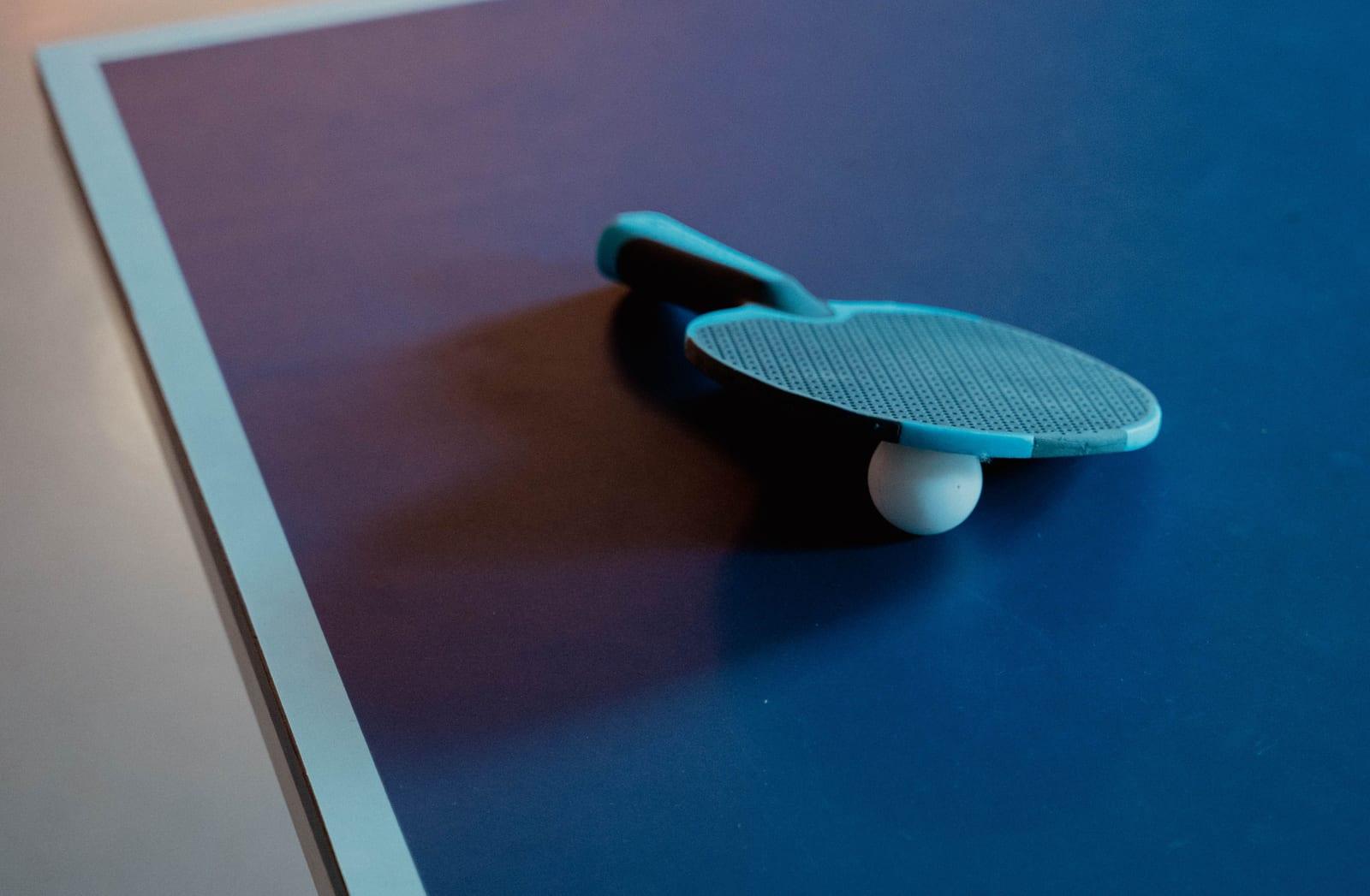 PONGBOT Nova S Pro Table Tennis Robot | Programmable practice on a small budget | No net, 150 balls | |
| 3 |  Newgy Robo-Pong 1040+ Table Tennis Robot | A Newgy without the net | No net, ~200 balls | |
| 4 | Newgy Robo-Pong 2055 Table Tennis Robot | The one most keen home players should buy | Recycling net, 64 drills | |
| 5 | Butterfly Amicus Start Table Tennis Robot | The step into club-grade | Club grade, 120 balls incl. | |
| 6 | Butterfly Amicus Prime Table Tennis Robot | A serious player with a proper room | Club grade, top of range |
The robots
Six machines in the order the decision actually runs: find out whether you will use one, then get programmable, then get a net, then get club-grade. Three of the six have no ball return, and each entry says so first.
#1 · Finding out whether you will use one
iPONG Trainer Motion Table Tennis Robot
JOOLA lists up to 100 balls, 12 to 70 per minute, adjustable oscillation, topspin or backspin, and an on-unit wireless remote. Around 2.5 lb.
The budget pick, and the correct first robot for most people because it answers the real question cheaply: will anybody in this house actually practice? JOOLA lists it with a capacity of up to 100 balls, a feed rate of 12 to 70 balls per minute, adjustable oscillation, topspin or backspin, an on-unit wireless remote and 80 ABS balls in the box, at around 2.5 lb and 19 by 11 inches. It clamps to the far end of your table, it has no net, and at that weight it goes in a cupboard between sessions. The honest limitation is that it is a ball thrower rather than a training system - you get a reasonably adjustable feed, not drills.
- What works
- Comes with 80 balls, so it works the evening it arrives rather than after a second order
- Adjustable oscillation at the cheapest point in the category
- About 2.5 lb - it stores in a cupboard, which no net-equipped robot does
- What does not
- No net: you will pick up a hundred balls off the floor every few minutes, which is what kills robot use
- Reviewers report the oscillation can be erratic and throw the occasional ball wide
- A feed, not a program - no drills, no sequences, no app
Skip it if: you already know you will practice weekly. Spend the money on a net-equipped machine and skip the ball-collecting phase entirely.
#2 · Programmable practice on a small budget
PONGBOT Nova S Pro Table Tennis Robot
Listed with a 150-ball hopper, Bluetooth app control, 264 drills, 9 spin variations and 30 to 90 balls per minute. No automatic oscillation.
The most capable machine at the bottom of the market, and the one people search for by name. Listings put it at a 150-ball hopper, Bluetooth app control, 264 built-in drills, nine spin variations, a spin rate up to 60 revolutions per second, a feed of 30 to 90 balls per minute, adjustable ball speed from 2 to 15 m/s, and roughly 4 kg. What it does not have is automatic oscillation - the head adjusts by hand for side and vertical placement - and that is a real trade against the cheaper iPong. The offsetting advantage is that it can be placed anywhere on the table rather than clamped to the end, so you can set up genuinely angled shots.
- What works
- 264 drills and app control at a price the club machines cannot touch
- Sits anywhere on the table rather than clamped to the end, so the angles are realistic
- Nine spin variations and a published spin rate, which is a specification rather than an adjective
- What does not
- No automatic oscillation - side placement is a manual adjustment between drills
- Still no net, so the ball-collecting problem is unsolved
- At about 4 kg and 150 balls it is a setup rather than something you grab for ten minutes
#3 · A Newgy without the net
Newgy Robo-Pong 1040+ Table Tennis Robot
Newgy says it is identical to the 2040+ except that it has no recycling net. A roughly 200-ball bucket, full oscillation, no net to collect them.
Newgy is the name in this category in the US, and the 1040+ is its entry point - with one caveat the company states plainly in its own listing: it is identical to the 2040+ in every way except that it has no Recycling Net System. Read that as the warning it is. You get the Newgy ball thrower, a bucket with an extender cage holding roughly 200 balls, and control over speed, frequency and full oscillation, and then you get on your knees and collect two hundred balls. Newgy sells a Recycling Net Upgrade Kit separately, which is the honest route if you buy this and then find yourself practicing seriously.
- What works
- The Newgy mechanism and build at the bottom of the Newgy range
- Roughly 200-ball capacity, double the cheap tabletop trainers
- A net upgrade kit exists, so this is not a dead end if you get serious
- What does not
- No recycling net, which is the one thing the money above it buys
- Costs considerably more than the Nova S Pro while offering no app and fewer drills
- Buying it and then adding the upgrade kit costs more than buying a net-equipped model to begin with
Skip it if: you can stretch to the 2055. The net is the difference between a machine you use and a machine in a cupboard.
#4 · The one most keen home players should buy
Newgy Robo-Pong 2055 Table Tennis Robot
The digital Newgy: a recycling net that feeds your own returns back in, 64 pre-programmed drills and a mode for building your own.
The pick, if your budget reaches it. The 2055 is Newgy's digital model and it has the Recycling Net System: a net across your half of the table that catches your returns and feeds them back into the machine, so a session is continuous instead of being a cycle of two minutes of practice and five minutes of crawling. On top of that it carries 64 pre-programmed drills plus a Drill Mode for building your own, which turns the thing from a ball thrower into something that can run a structured session. Everything else in this category is a variation on the question this machine answers.
- What works
- The recycling net, which is the single feature that decides whether a robot gets used
- 64 pre-programmed drills plus a mode for writing your own
- Newgy's US service and parts presence, which matters on a machine with moving parts
- What does not
- The net has to be fitted across your end of the table, so setup and teardown is a real job
- Noticeably more expensive than every no-net machine here
- Still a fraction of the control a club-grade machine gives you over spin and placement
#5 · The step into club-grade
Butterfly Amicus Start Table Tennis Robot
Butterfly's entry Amicus. Its own shop lists it with 120 Butterfly training balls, a carrying bag and a 3-year warranty included.
Where the category changes character. Butterfly's own shop lists the Amicus Start with 120 Butterfly training balls, a carrying bag and a 3-year warranty included, which tells you what tier you have entered: this is equipment sold to clubs and coaches rather than to basements, and it is priced accordingly. The Amicus line's reason to exist is control - over spin type, placement and sequencing - at a level the sub-$500 machines do not attempt. Worth it if somebody in the house is training rather than practicing. Hard to justify if the table is a family table.
- What works
- 120 balls, a bag and a 3-year warranty included, which is a genuinely complete package
- Club-grade control over spin and placement rather than a feed with adjustments
- Butterfly's name and service network behind it, and the Amicus range above it to grow into
- What does not
- Costs several times the Newgy 2055 and roughly five times the Nova S Pro
- The entry model in a range specifically designed to make you want the next one up
- Overkill on any table where nobody is working to a training plan
Skip it if: nobody in the house has a coach or a league. The 2055 does the home job and leaves money for the table.
#6 · A serious player with a proper room
Butterfly Amicus Prime Table Tennis Robot
The club-grade Amicus, sold through table tennis specialists at several times the price of the Start. Stock is intermittent.
The top of the Amicus range as sold through US table tennis specialists, and the honest framing is that it is not a home-game-room purchase. It is the machine for somebody whose table is a training tool, who already knows which drills they need and wants them programmed exactly, and whose room is set up for it. The price is several times the 2055 and the stock is intermittent - we found it sold out at one specialist and bundled at another while this page was written. If you are reading this page because the basement table is dusty, buy something else. If you are reading it because you have outgrown a 2055, this is the next real step.
- What works
- The most control over spin, speed, placement and sequencing of anything here
- Built for and sold into clubs, so the duty cycle is not a home duty cycle
- The machine you will not outgrow, which is the whole argument for buying at this level
- What does not
- Several times the price of the Newgy 2055, which already does the home job
- Stock is intermittent at US specialists - expect to wait or to buy a bundle
- Wasted on anybody not following a structured training plan
Skip it if: the robot is for a family table. This is a club machine that happens to be buyable.
How these were chosen
We have not practiced on these machines, measured their feed rates or counted their drills, and this site publishes no scores, star ratings or review counts, because it has not tested anything and will not imply that it has. Every capacity, feed rate, spin figure, drill count and inclusion below came from the manufacturer's own listing or a stocking US retailer's product page, each checked as currently sold while this page was written.
- Ball return is stated first on every entry. Net, no net, or net available as a separate upgrade. It is the specification that decides whether the machine gets used.
- Capacities and feed rates are quoted as published. Where two sources gave different figures for the same machine - the iPONG's feed rate is quoted as both 12 to 70 and 30 to 70 balls per minute - the maker's own number is used.
- Drill counts come from the maker. 64 on the Newgy 2055, 264 on the Nova S Pro. A machine described only as 'programmable' has told you nothing.
- What is in the box counts. 80 balls with the iPONG, 120 balls plus a bag with the Amicus Start. On a machine that needs a hundred balls to work, that is a real part of the price.
- No placement-accuracy or durability claims. Those need testing we have not done, so none is repeated here as fact.
Oscillation, and why the cheap machine has it and the mid one does not
Oscillation is the head sweeping side to side so balls land in different places rather than arriving at the same spot forever. It is the difference between practicing a stroke and practicing footwork, and it is the feature most people assume scales with price. It does not. The cheapest machine here has adjustable oscillation; the Nova S Pro, which has an app and 264 drills, has no automatic oscillation at all and adjusts by hand.
Both of those are defensible designs. An oscillating head that sweeps mechanically is simple and cheap and, on the budget machines, reviewers report it can be erratic enough to put the occasional ball off the side of the table. A manually-placed machine is predictable and lets you set up a specific angled shot deliberately, which a sweeping head cannot. What you should not do is assume the more expensive machine has the feature - check it per model, because in this category the ladder is not monotonic.
You need a lot of balls, and they should be cheap ones
A robot needs between 100 and 200 balls to run a session, which is not a quantity anyone has lying around. Two of the machines here solve it in the box - 80 with the iPONG, 120 with the Amicus Start - and the rest do not, so a bulk pack is part of the purchase rather than an accessory to it.
They should also be cheap balls. Robot balls get fired, hit, dropped, trodden on and run through a feed mechanism hundreds of times a session, and ITTF-approved match balls are a waste of money in a hopper. A 100 or 120-ball training pack is the right buy - the ball roundup covers which ones come in those pack sizes and why the star rating on the box is each maker's own grade rather than a standard. Buy white unless your basement is dim, in which case orange is easier to track.
What the table has to be for a robot to make sense
Flat, full-size and thick enough to bounce consistently. A robot fires the same ball to the same place repeatedly, which means it exposes an uneven table faster than a human opponent ever will: if the bounce near one corner is dead, you will find out within a minute and you will spend the session compensating for a fault rather than grooving a stroke.
In practice that means an 18 mm or thicker top on a full-size table. The ITTF specification describes a uniform bounce of roughly 23 cm from a 30 cm drop across the whole surface, and that uniformity is the thing a thin top fails at near its edges. If your table is at the thin end of the market, the honest advice is that a thicker table changes your practice more than a better robot does - table thickness explained is the page for that, and the table roundup lists what each model's top actually measures.
You also need room behind your end of the table. A robot is pointless if you cannot move your feet, and the clearance that matters is the roughly 5 feet of space behind the baseline that lets you step back for a deep ball. Dimensions and room size covers the measurements, and the short version is that a robot turns a table that only just fits into a table that does not.
Where a robot sits in the spending order
Last, and some way behind everything else. The order that holds in a home game room is table, then paddles, then balls, then a robot - because each of the first three changes the game for everybody who plays on the table and a robot changes it for the one person who practices alone. The paddle roundup and the ball roundup are both cheaper and both affect more people - the same argument shuffleboard powder wins on the other table in the room.
Where a robot genuinely earns its place is the specific household with one keen player and nobody to play against - which is more common than it sounds, and is the reason the category exists. If that is your house, a net-equipped machine is a better purchase than almost any equipment upgrade, because it converts a table that gets used on weekends into one that gets used on weeknights.
Prices, and why there are none on this page
This category has an unusually wide spread and unusually volatile pricing: the specialists discount against each other, the premium machines are sold in bundles with balls and nets at varying inclusions, refurbished units from the manufacturer sit alongside new ones, and stock moves - we found one of the Butterfly machines sold out at one US specialist and bundled at another on the same day. A printed number would be wrong and would also be comparing different boxes. Every button goes to the live listing instead. In rough brackets: a budget oscillating trainer is a low three-figure purchase, the app-controlled compact machines sit in the mid three figures, Newgy's net-equipped models run from high three figures into four, and the club-grade Butterfly machines are four figures and up.
What we have not done
We have not practiced on these machines, measured feed rates or placement accuracy, or run any of them long enough to comment on durability. Every capacity, feed rate, spin figure, drill count, weight and inclusion above is from a manufacturer's or stocking US retailer's published listing, checked as currently sold while this page was written; the bounce specification is the ITTF's own. The judgments - that the recycling net is the decision, that oscillation does not scale with price, that a robot belongs last in the spending order - follow from those published facts and from how the machines are used. Where a figure could not be verified, it is not on this page.
Questions people actually ask
Are ping pong robots worth it?
What is a recycling net on a table tennis robot?
How many balls do you need for a ping pong robot?
Do all ping pong robots oscillate?
What is the difference between the Newgy Robo-Pong 1040+ and the 2055?
Can you use a ping pong robot on a cheap table?
How much room do you need behind the table to use a robot?
Which ping pong robot should I buy first?
Sources
- ITTF Handbook - table dimensions and equipment specifications
- JOOLA USA - iPONG Trainer Motion (capacity up to 100 balls, 12-70 balls per minute, oscillation, 80 ABS balls included)
- Newgy - Robo-Pong 1040+ (stated as identical to the 2040+ except for the Recycling Net System)
- Newgy - Recycling Net Upgrade Kit
- Butterfly North America - Amicus Start Robot (120 training balls, carrying bag and 3-year warranty included)
- Best Buy - PONGBOT Nova S Pro (150-ball hopper, app control, 264 training modes, 9 spin variations, 2-15 m/s, 30-90 balls per minute)